
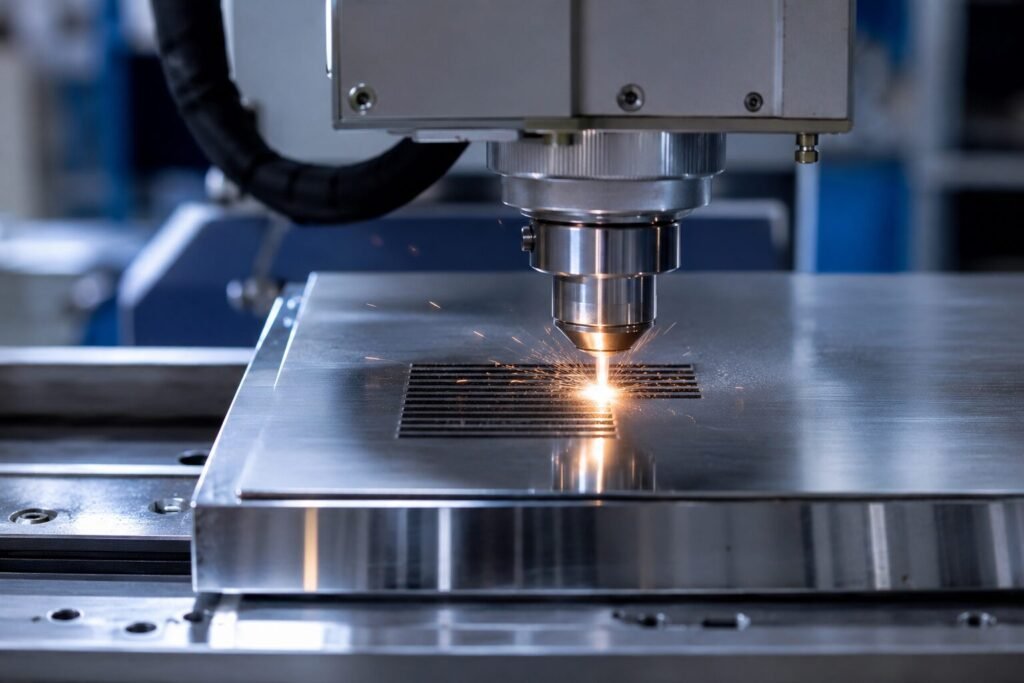
A fiber laser marking machine for stainless steel gives you the power to create marks that stay dark, sharp, and permanent for years. Many users struggle with faded or grey marks because they skip a few key steps. This guide breaks down the exact settings and habits that lead to deep, black, lasting results on stainless steel.
Why Stainless Steel Needs the Right Fiber Laser Settings
Stainless steel reacts differently to laser light than other metals. The surface contains chromium, which forms a thin oxide layer when heated. This oxide layer is what creates the black marking effect, not a cut or a burn. If the laser power or speed is wrong, this layer never forms properly.
The Science Behind Black Oxidation
When the laser heats the steel surface to the right temperature, it triggers a controlled oxidation reaction. This reaction produces a layer of black chromium oxide that bonds to the metal. Get the temperature too low, and you get a light grey mark. Push it too high, and the surface can scorch or peel.
Common Reasons Marks Turn Out Faint
- Laser power set too low for the material thickness
- Marking speed too fast for proper heat buildup
- Wrong frequency setting for stainless steel grade
- Dirty or oily steel surface before marking
- Poor focus distance between the laser head and the part
Setting Up Your Fiber Laser Marking Machine for Stainless Steel Correctly
Before you mark anything, your machine setup needs attention. A correctly configured fiber laser marking machine for stainless steel saves you time and material. Skipping this step leads to inconsistent results across batches.
Check Your Focus Distance First
Focus distance affects mark depth and darkness more than most people realize. Use the focus gauge or test card that comes with your machine. Place it at the correct height every single time, especially when you switch between different part thicknesses.
Clean the Surface Before You Begin
Oil, dust, and fingerprints change how the laser machine interacts with steel. Wipe the surface with isopropyl alcohol before marking. This small habit improves mark consistency and reduces wasted attempts on expensive parts.
Best Power and Speed Settings for a Fiber Laser Marking Machine for Stainless Steel
Power and speed work together, not separately. Adjusting one without the other rarely gives you the black marking result you want. Here are practical starting points based on common wattage ranges.
Recommended Settings by Wattage
- 20W fiber laser lower speed, higher pass count, moderate frequency
- 30W fiber laser balanced speed and power, single or double pass
- 50W fiber laser higher speed possible, fewer passes needed for dark marks
Why Multiple Passes Sometimes Work Better
A single slow pass can overheat the surface and cause uneven color. Two or three lighter passes often build the oxide layer more evenly. Test this on scrap material first, since every steel grade behaves slightly differently under repeated passes.
Frequency Settings That Matter Most
Frequency controls how often the laser pulses hit the surface. Lower frequency settings tend to produce deeper, darker marks on stainless steel. Higher frequency settings work better for lighter, faster marking jobs where depth matters less.
Choosing the Right Stainless Steel Grade for Permanent Marking
Not all stainless steel grades respond the same way to laser marking. Grade selection affects how dark and how permanent your final mark turns out. This matters most for industries that need long-lasting traceability marks.
Grades That Mark Well
- 304 stainless steel marks reliably with standard settings
- 316 stainless steel needs slightly slower speed for full darkness
- 430 stainless steel marks faster but may need extra passes for depth
Testing Before a Full Production Run
Always run a small test batch when working with a new steel grade or supplier. Steel composition can vary slightly even within the same grade label. A quick test saves you from marking an entire batch with inconsistent results.
Maintaining Your Fiber Laser Marking Machine for Stainless Steel Results Over Time
Consistent results don’t happen by accident. Routine machine care keeps your fiber laser marking machine for stainless steel performing at its best for years, not just for the first few months.
Lens and Mirror Cleaning Schedule
Dust and debris on the lens scatter the laser beam and weaken mark quality. Clean the lens weekly if you run the machine daily. Use a proper optical cleaning cloth, never a regular tissue or cloth that can scratch the coating.
Calibration Checks Worth Doing Monthly
- Recheck focus height accuracy
- Test mark darkness on a known steel sample
- Inspect the galvo mirrors for dust buildup
- Confirm software settings haven’t shifted after updates
Signs Your Machine Needs Servicing
If marks start coming out lighter than usual despite using the same settings, something has changed. This could mean lens contamination, a worn laser source, or a focus drift. Address it early before it affects an entire production run.
Conclusion
Dark, permanent marking on stainless steel comes down to the right combination of power, speed, frequency, and surface preparation. A well-maintained fiber laser marking machine for stainless steel gives you repeatable results batch after batch, without guesswork. Test your settings on scrap material, clean your steel before every job, and keep your machine calibrated on a regular schedule.
If you’re looking for a reliable fiber laser marking machine for stainless steel or need expert guidance on getting the darkest, most permanent marks possible, reach out to Redsail. Our team can walk you through machine selection, settings, and ongoing support so your marking results stay sharp and consistent every time.
Frequently Asked Questions
1. What is a fiber laser marking machine?
A fiber laser marking machine uses a focused laser beam to mark, engrave, or label materials like metal and plastic. It creates permanent marks without touching the surface. Businesses use it for serial numbers, logos, barcodes, and product identification on metal parts.
2. Can a fiber laser marking machine mark on metal?
Yes, a fiber laser marking machine works best on metal surfaces like stainless steel, aluminum, brass, and titanium. It creates dark, permanent marks through a controlled oxidation process. Many industries use it for nameplates, tools, and traceability codes on metal parts.
3. What wattage fiber laser marking machine do I need?
Your wattage depends on the material and job. A 20W machine handles light marking tasks. A 30W machine suits most metal marking needs. A 50W machine works best for deep engraving or thicker materials. Always match wattage to your daily workload.
4. How do I maintain a fiber laser marking machine?
Clean the lens weekly to avoid weak or blurry marks. Check focus distance regularly, especially when switching part sizes. Inspect the galvo mirrors for dust. Keep the software updated. Routine care keeps your machine running smoothly and extends its lifespan.
5. Why is my fiber laser marking machine not marking properly?
Common causes include low laser power, wrong focus distance, or a dirty lens. Speed settings that don’t match your material also cause faint marks. Check these settings first, then clean the lens before assuming the machine needs professional servicing.